

Write Like You, Everywhere You Write
ToneClone's Browser Extension drops your AI powered voice right into your everyday tools. Chrome or Firefox, Gmail or X/Twitter, literally any site with a text input—no tab switching, no copy-paste nonsense.

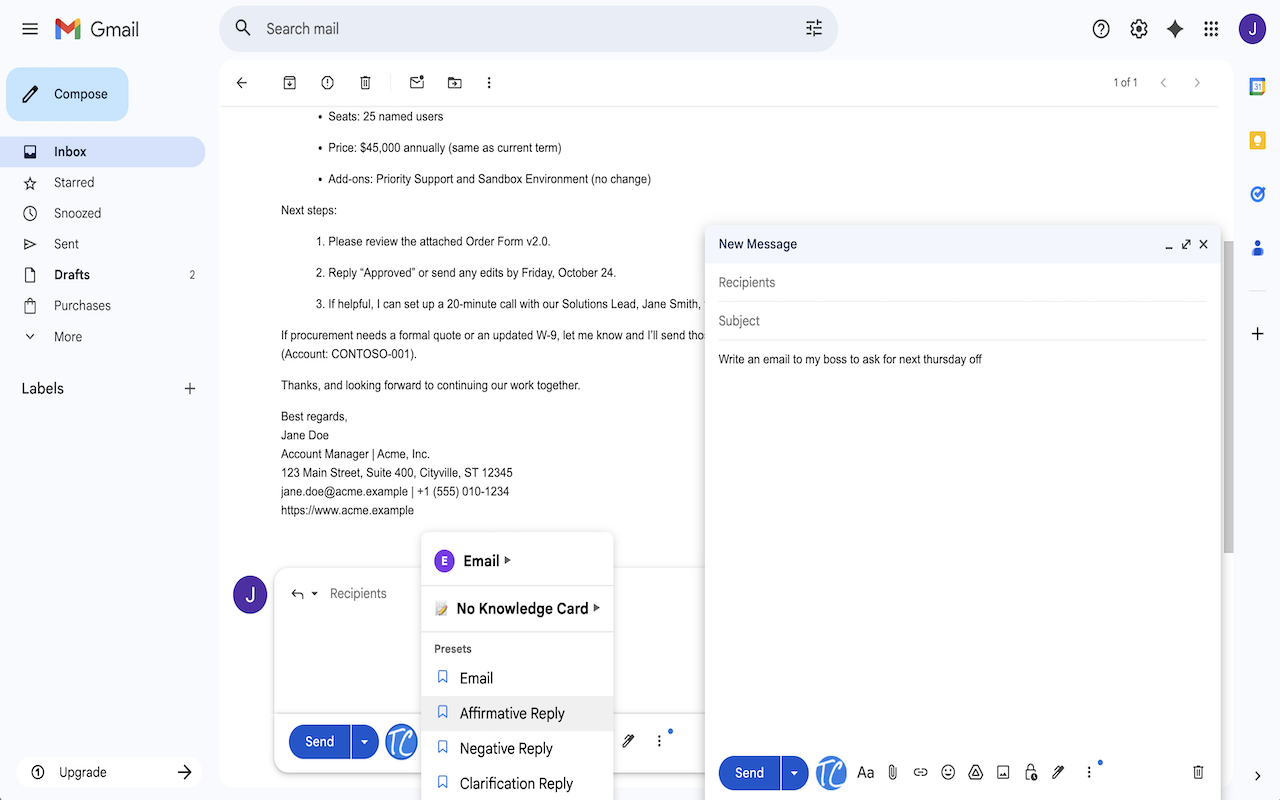
Gmail Integration
One click to compose or reply in emails that sound like YOU. ToneClone reads the context and drafts perfectly on-brand responses.
X/Twitter Compose
Tweets and threads that keep your voice consistent and real. No more robotic posts. Just authentic social presence.
🌐
Write Anywhere on the Web
Forums, CRMs, help desks, comment sections - if you can type it, ToneClone can write it in your style.
How It Works
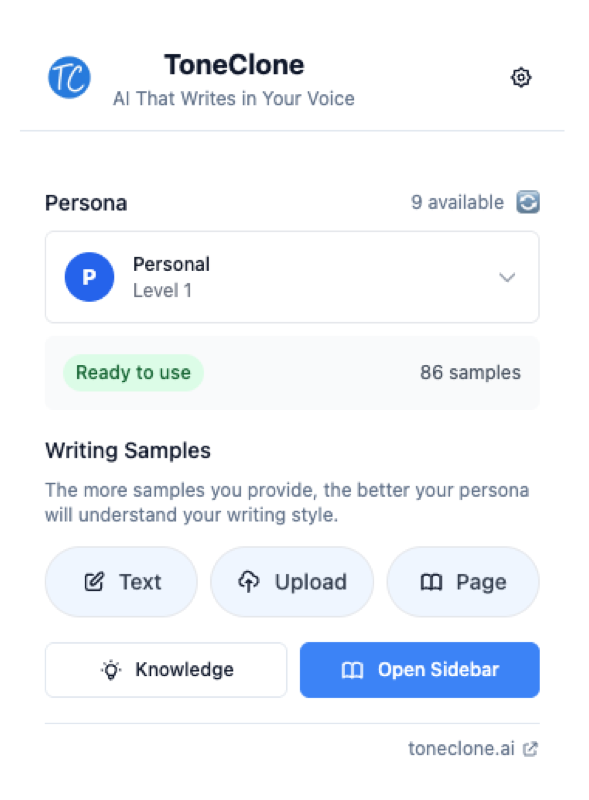
- Install the Extension - Add ToneClone to Chrome or Firefox. Takes seconds.
- Sign In - Connect your ToneClone account, simple and secure.
- Write Where You Work - Hit the ToneClone icon in Gmail, X/Twitter, or any text box.
- Get Your Voice Back - Instantly get AI-powered suggestions that sound like YOU.
See It In Action
Built to Keep You Moving
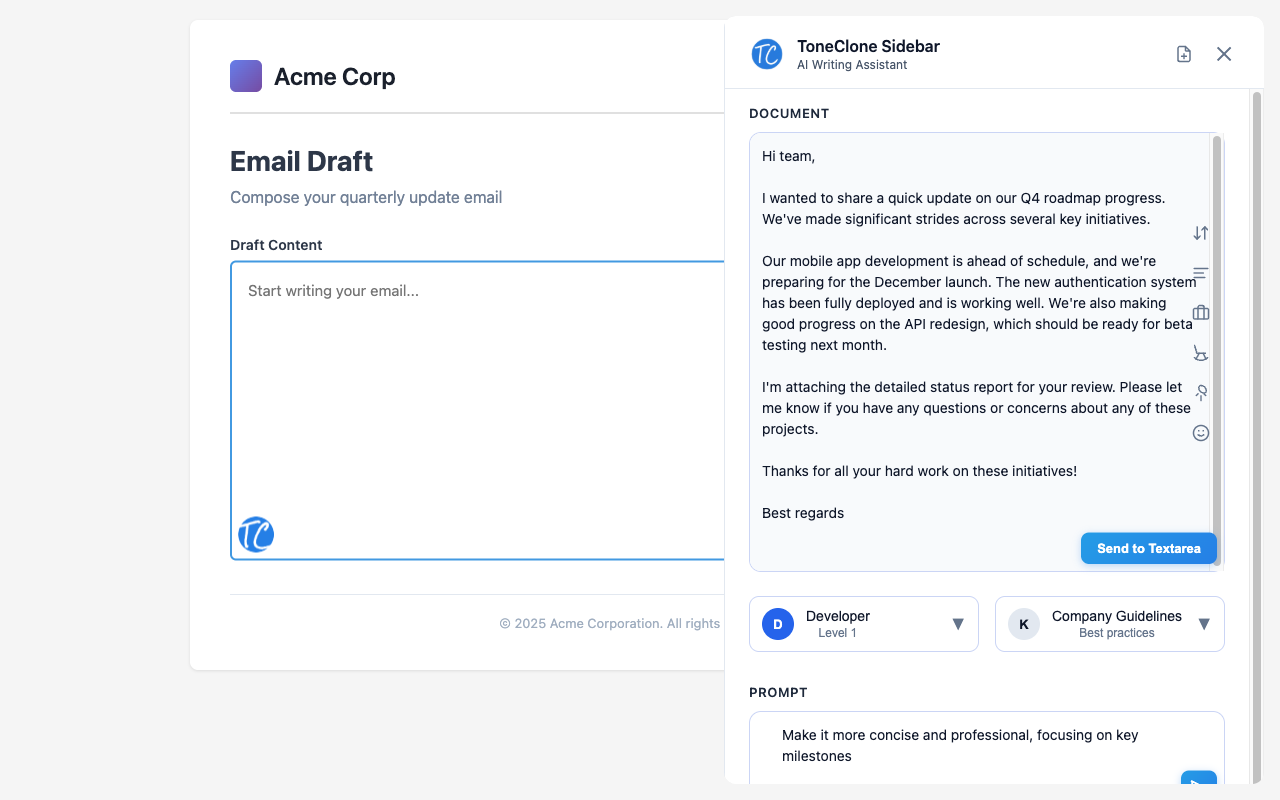
Forget tab-hopping between your AI tool and work. ToneClone's extension is built for speed and zero friction:
- No Interruptions - Stay in your flow writing directly where you work
- Instant Drafts - Write a prompt in any text area then press Ctrl+Shift+E
- Quick Launch - Ctrl+Shift+T opens the sidebar anywhere
- Smart Context - Grab thread history, selected text, page details with @ extractors
- One-Click Edits - AI suggestions that sound like you, ready with a single click
Ready to Write in Your Voice?
Install the browser extension and start writing faster—without sounding like a robot.